







Smartphones and laptops have become essential parts of modern life. We use them to communicate with friends and family, attend online meetings, study, manage businesses, create content, and enjoy entertainment. Although these devices are powerful on their own, the right accessories can make them even more useful, comfortable, and efficient.
For example, a good pair of wireless earbuds can improve your listening experience, while a laptop stand can make working at a desk more comfortable. A fast charger can save time, and an external keyboard can make typing long documents much easier.
The best part is that you do not need to spend a fortune to upgrade your setup. A few carefully selected accessories can make a noticeable difference in how you use your devices every day.
In this article, we will explore some of the best accessories for smartphones and laptops, explain their benefits, and help you understand which options may be worth adding to your daily routine.
1. Fast Chargers for Quicker and More Convenient Charging
A reliable charger is one of the most useful accessories for any smartphone or laptop owner. Nobody wants to wait hours for a device to charge, especially when they need it for work, travel, or an important meeting.
Modern USB-C chargers can deliver faster charging for compatible smartphones, tablets, and some laptops. Certain compact chargers also use gallium nitride (GaN) technology, allowing them to provide substantial power without taking up much space.
If you use several devices, a multi-port charger can be especially convenient. It allows you to charge your phone, earbuds, and other compatible gadgets using a single adapter.
Before buying a charger, check the power requirements of your devices. A charger that works well for a smartphone may not provide enough power for a laptop. You should also confirm that it supports the charging standards used by your devices.
Choosing a reliable charger can reduce cable clutter, simplify travel, and make your daily charging routine much easier.
2. Wireless Earbuds and Headphones for Better Audio
Whether you listen to music, attend online meetings, watch videos, or make phone calls, good audio accessories can improve your overall experience.
Wireless earbuds are ideal for people who prefer something lightweight and portable. They fit easily into a pocket or bag and are convenient for commuting, exercising, and everyday use.
Over-ear headphones may be a better choice if you spend long hours working on a laptop. Many models offer comfortable ear cushions, longer battery life, and active noise cancellation to reduce distracting background sounds.
When choosing audio accessories, consider sound quality, microphone performance, battery life, comfort, and compatibility with your smartphone or laptop.
If you regularly attend virtual meetings, microphone quality may be just as important as sound quality. Clear audio can make conversations easier and help you communicate more professionally.
You do not necessarily need an expensive model. Even a reasonably priced pair of well-designed headphones can make listening and working more enjoyable.
3. A Laptop Stand for a More Comfortable Workspace
Working on a laptop for several hours can sometimes lead to an uncomfortable sitting position. Since the screen and keyboard are attached, it can be difficult to position both at the ideal height.
A laptop stand helps raise the screen, making it easier to arrange your workspace around a more comfortable viewing angle.
This accessory is particularly useful for remote workers, students, freelancers, and anyone who spends a large part of the day using a laptop.
Adjustable stands allow you to change the screen height, while foldable models are convenient for people who work in different locations.
For an even better setup, combine the stand with an external keyboard and mouse. This gives you more freedom to position the screen separately from your hands.
When choosing a stand, look for stability, adjustable height, good ventilation, and compatibility with your laptop’s size and weight.
A laptop stand is a simple addition, but it can make a desk setup more practical and comfortable.
4. A Wireless Keyboard and Mouse for Easier Productivity
Although laptop keyboards and trackpads are useful, they may not be the most comfortable options for long working sessions.
An external keyboard and mouse can make typing, navigating documents, managing spreadsheets, and performing everyday computer tasks more convenient.
Wireless models help keep your desk tidy because they reduce the number of cables around your workspace. Bluetooth keyboards can also connect to compatible tablets and smartphones, making them useful for writing longer messages or documents on mobile devices.
When selecting a keyboard, consider the key layout, typing feel, size, and battery life. Some people prefer compact keyboards for portability, while others prefer full-size models with a number pad.
For a mouse, comfort should be a priority. A shape that fits your hand well can make long working sessions easier to manage.
These accessories are especially worthwhile if you regularly write reports, work with spreadsheets, edit documents, or use productivity software.
5. A Power Bank to Keep Your Smartphone Running
Smartphones are used for almost everything, from navigation and messaging to photography, online payments, and entertainment. Unfortunately, frequent use can drain the battery quickly.
A power bank gives you a portable way to recharge your phone when you are away from a wall outlet. It is particularly useful during travel, long commutes, outdoor activities, or busy working days.
For everyday use, a compact power bank may be enough to provide an additional charge. If you travel frequently or own several devices, you may prefer a higher-capacity model.
Look for features such as USB-C connectivity, suitable charging speeds, multiple output ports, and a size that fits comfortably in your bag.
If you want to charge a laptop as well, make sure the power bank supports the laptop’s power requirements and provides sufficient USB-C Power Delivery output. Not every power bank can charge a laptop effectively.
A dependable power bank can help you stay connected without constantly worrying about finding an available outlet.
6. A Protective Case and Screen Protector
Smartphones are expensive devices, and accidental drops or scratches can lead to costly repairs. A protective case and screen protector are simple accessories that help reduce everyday risks.
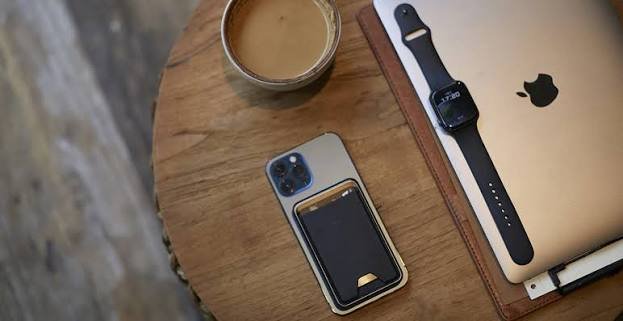
A good phone case can improve grip, protect the corners, and provide some impact protection. Different styles are available, including slim cases, rugged designs, and wallet-style cases.
Screen protectors help guard against scratches and, depending on the material and design, may provide additional protection from certain impacts. Tempered-glass protectors are a popular option because they feel similar to a phone’s original glass screen.
For laptops, a protective sleeve is useful when carrying the device in a backpack or travel bag. It can help protect against scratches and minor bumps.
Before purchasing any protective accessory, check the exact device model. Cases and screen protectors are often designed for specific dimensions and camera layouts.
Protection cannot guarantee that a device will survive every drop, but a suitable case and screen protector can help keep your devices in better condition.
7. A Portable SSD for Extra Storage and Faster File Transfers
Photos, videos, applications, and work documents can quickly consume the storage space on a laptop. A portable solid-state drive, or SSD, provides additional storage in a compact and convenient form.
It is particularly useful for students, photographers, video editors, freelancers, and professionals who regularly work with large files.
For example, you can use an external SSD to store old photos, back up important documents, transfer video projects, or move files between compatible computers.
Portable SSDs generally offer faster data access than traditional external hard drives, although actual performance depends on the drive, cable, and connected device.
When shopping for one, consider storage capacity, transfer speeds, physical durability, and connectivity. USB-C drives are convenient for many modern laptops, but you should confirm that your device supports the drive’s connection and performance requirements.
Remember that an external drive should not be your only backup for important files. Keeping another copy in a separate location or secure cloud storage can provide additional protection.
8. A USB-C Hub for More Laptop Connectivity
Many modern laptops are designed to be thin and lightweight, which often means they have fewer physical ports than older computers.
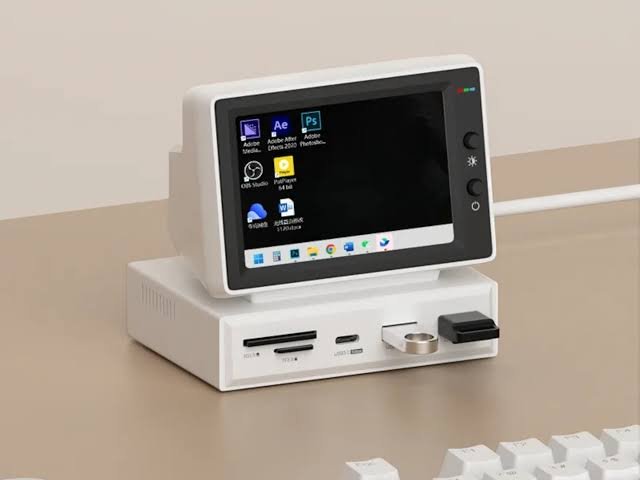
A USB-C hub can help solve this problem by adding connections for accessories such as USB devices, external displays, memory cards, and wired networks, depending on the model.
For example, if your laptop has only two USB-C ports, a compatible hub may allow you to connect a mouse, external storage drive, and monitor without constantly switching cables.
Some hubs also include HDMI, Ethernet, USB-A, and SD card slots. More advanced docking stations may support multiple monitors and power delivery.
Before purchasing a hub, check which functions your laptop’s USB-C port supports. Not every USB-C port supports video output or the same data-transfer speeds.
You should also check the hub’s power limits and display specifications to make sure it meets your needs.
For anyone who frequently connects a laptop to external devices, a good USB-C hub can make a workspace much more flexible.
9. A Laptop Cooling Pad for Demanding Tasks
Laptops can become warm when running demanding applications, playing games, editing videos, or performing other intensive tasks.
A cooling pad typically uses fans to improve airflow around the laptop. Depending on the laptop design and workload, it may help manage temperatures and improve comfort when using the device on a desk.
Cooling pads are most relevant to users who regularly perform resource-intensive tasks. Someone who mainly browses websites, writes documents, and checks emails may not need one.
If you are considering a cooling pad, check its size, fan noise, power connection, and compatibility with your laptop.
It is also important to keep your laptop’s air vents clear and avoid using it on soft surfaces that may block airflow.
A cooling pad is not a solution for every overheating problem. If your laptop becomes unusually hot, shuts down unexpectedly, or experiences frequent performance issues, it may need cleaning, software troubleshooting, or professional inspection.
10. A Webcam and Desk Light for Clearer Video Calls
Video calls have become a regular part of remote work, online learning, and communication with friends and family.
Although most laptops include built-in webcams, an external webcam can offer better image quality or more flexible positioning, depending on the model.
A desk light or compact video light can also make a difference. Good lighting helps your face appear clearer on camera and can improve the overall appearance of virtual meetings.
If you regularly attend interviews, teach online, speak with clients, or record videos, these accessories may be worth considering.
You do not always need to buy additional equipment to improve your video quality. Positioning your desk near a window, cleaning your camera lens, and adjusting your camera angle can sometimes produce noticeable improvements.
If you decide to buy a webcam, check its resolution, autofocus performance, microphone quality, and compatibility with your computer.
For lighting, look for adjustable brightness and a color temperature that suits your workspace.
11. A Wireless Charging Stand for Your Smartphone
Wireless charging pads are convenient, but a charging stand can offer an additional benefit: it keeps your phone upright while it charges.
This makes it easier to view notifications, check the time, or participate in video calls without picking up your device.
Some stands support multiple compatible devices, allowing you to charge a smartphone and wireless earbuds in the same place. Certain models also support specific smartwatch charging systems.
However, wireless charging performance depends on the phone, charger, power adapter, and supported charging standard. Check compatibility before buying, particularly if your phone supports a proprietary fast wireless-charging feature.
A wireless charging stand is especially useful on a bedside table or office desk where you regularly place your phone.
It is not essential, but it can make your charging setup more convenient and organized.
12. A Bluetooth Tracker for Everyday Essentials
Keys, wallets, and bags are easy to misplace, particularly when you are in a hurry.
A Bluetooth tracker is a small accessory that can help you locate these items using a compatible smartphone and tracking network.
You can attach a tracker to your keyring, keep a compatible model in your bag, or use a wallet-sized version designed for tracking.
Depending on the product, you may be able to make the tracker play a sound, view its last known location, or use a broader network of compatible devices to help locate a missing item.
Before buying one, check compatibility with your smartphone, battery life, replacement options, and any subscription requirements.
Keep in mind that Bluetooth trackers do not all offer GPS tracking, and their effectiveness depends on the technology and surrounding conditions.
For people who frequently misplace everyday belongings, this small accessory can save time and reduce frustration.
How to Choose the Best Accessories for Your Devices
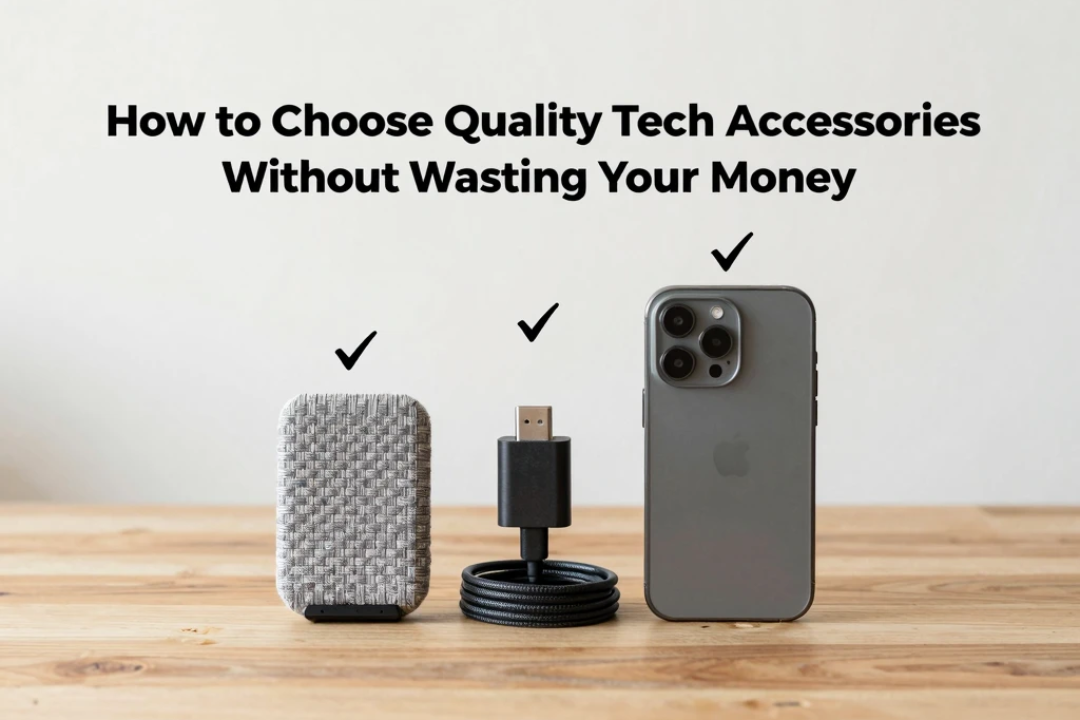
With so many accessories available, it can be tempting to buy products that look impressive but offer little practical value. The better approach is to identify what would genuinely improve your daily experience.
Consider the following points before making a purchase:
- Compatibility: Check that the accessory works with your exact smartphone or laptop model.
- Build quality: Choose products made from reliable materials and sold by reputable manufacturers.
- Convenience: Consider whether the accessory will make a task easier or simply add another item to carry.
- Portability: If you travel frequently, look for lightweight and compact designs.
- Safety: Choose reliable chargers, cables, and electrical accessories that meet relevant safety requirements.
- Budget: Compare features and prices instead of automatically choosing the most expensive option.
- Long-term value: Consider how often you will use the accessory and whether it solves a recurring problem.
It is also worth reading recent reviews and checking the manufacturer’s warranty before buying more expensive products.
You do not need to upgrade your entire setup at once. Start with the accessory that addresses your biggest inconvenience, then consider other improvements as your needs change.
Conclusion
The right accessories can significantly improve the way you use your smartphone and laptop. A fast charger can save time, wireless headphones can make work and entertainment more enjoyable, and a laptop stand can help create a more comfortable workspace. Meanwhile, USB-C hubs, portable SSDs, protective cases, and power banks can make your devices more versatile and reliable.
However, the best accessories are not necessarily the most expensive or the most popular. They are the ones that fit your lifestyle, work with your existing devices, and solve problems you encounter regularly.
Before buying anything, think about how you use your smartphone and laptop each day. Identify the areas where you experience the most inconvenience, and choose accessories that offer practical solutions.
Ultimately, improving your technology experience does not require buying every new gadget on the market. With a few well-chosen accessories, you can make everyday tasks easier, create a more productive workspace, and enjoy greater convenience from the devices you already own.